
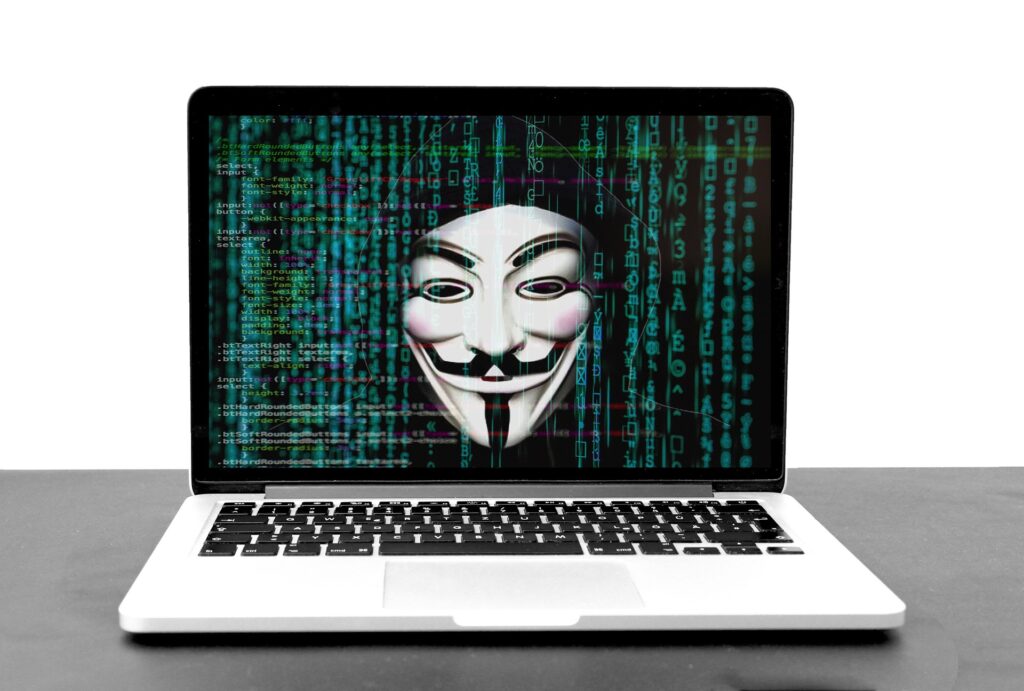
How to Keep Your Computer Secure From Hackers
Keeping your computer secure from hackers is essential in today’s digital world. Cyberattacks are becoming more common, and a single security breach can compromise personal data, financial information, and sensitive files.
Fortunately, most security risks can be minimized with a few simple habits and adjustments. By following these steps, you can protect your system and maintain peace of mind.
Here’s how to keep your computer safe.
Use Strong Passwords
Strong passwords are the first line of defense against hackers. Avoid using simple or predictable passwords like “123456” or “password.”
Consider using a combination of letters, numbers, and symbols, and make each password unique for different accounts. Password managers can help you create and store strong passwords securely.
Enable Two-Factor Authentication
Two-factor authentication (2FA) adds an extra layer of security to your accounts. Even if a hacker obtains your password, they won’t be able to access your accounts without the second factor.
Many online services, email providers, and banking apps offer 2FA as an option. It’s a simple step that dramatically improves security.
Keep Software and Operating Systems Updated
Regular updates often include security patches and bug fixes that protect your system from vulnerabilities.
Both your operating system and applications should be kept up to date. Many hacks exploit outdated software, so timely updates are critical.
Use Antivirus and Anti-Malware Tools
Installing reputable antivirus and anti-malware software helps detect and block malicious programs before they cause damage.
Regularly scan your system to catch threats early. Keep your security software updated to ensure the latest protection.
Be Careful With Emails and Links
Phishing emails are a common method hackers use to gain access to your system. Avoid clicking links or opening attachments from unknown or suspicious sources.
Always double-check the sender’s email address and be cautious with messages that seem urgent or unusual.
Secure Your Wi-Fi Network
A weak or unsecured Wi-Fi network can be an easy target for hackers. Use a strong, unique password for your Wi-Fi, and enable encryption such as WPA3 or WPA2.
If you want to improve your Wi-Fi performance while keeping it secure, How to Make Your Wi-Fi Faster at Home offers helpful tips for both speed and protection.
Back Up Your Data Regularly
Even with strong security, unexpected issues can happen. Regular backups ensure that your important files are safe in case of a hack, malware attack, or hardware failure.
Cloud storage or external drives are both good options for keeping your data protected.
Limit Admin Access
Using a standard user account for daily activities instead of an administrator account can prevent unauthorized changes to your system.
Limiting admin privileges reduces the risk of malware installing itself or hackers gaining full access to your computer.
Final Thoughts
Protecting your computer from hackers doesn’t have to be complicated. Strong passwords, two-factor authentication, regular updates, secure Wi-Fi, and careful online habits go a long way in keeping your system safe.
If you want to optimize both security and performance, combining these practices with How to Speed Up a Slow Laptop in 2026 and How to Free Up Storage Space on Your Computer will make your computer both secure and efficient.